📖 5 min read
Losing important files can be a stressful experience. Whether it's a critical work document, cherished family photos, or essential system files, the sudden disappearance of data can disrupt your workflow and cause considerable anxiety. Fortunately, advanced data recovery tools are available to help you retrieve deleted files, even after they've been removed from the Recycle Bin or Trash. This article delves into the best tools for recovering deleted files, providing a comprehensive overview of their features, functionalities, and how to choose the right one for your specific needs. We'll explore both free and paid options, highlighting their strengths and limitations to empower you to make an informed decision when faced with data loss.
1. Understanding Data Recovery Principles
Data recovery hinges on the principle that when a file is deleted, it isn't immediately erased from your storage device. Instead, the operating system marks the space occupied by the file as available for new data. The actual data remains intact until it's overwritten by new information. This window of opportunity is what data recovery tools exploit to retrieve deleted files.
The success of data recovery depends on several factors, including the time elapsed since deletion, the type of storage device, and the extent of disk activity after deletion. For instance, if you accidentally delete a file from a Solid State Drive (SSD), the chances of successful recovery might be lower compared to a Hard Disk Drive (HDD) due to the way SSDs handle data deletion and wear leveling. Wear leveling algorithms distribute write operations across the drive to extend its lifespan, but this can also make data recovery more challenging.
To maximize your chances of recovering deleted files, it's crucial to act quickly and minimize further use of the storage device. Avoid installing new software, saving new files, or performing any other operations that might overwrite the deleted data. The faster you initiate the recovery process, the higher the likelihood of a successful outcome.
2. Top Data Recovery Tools
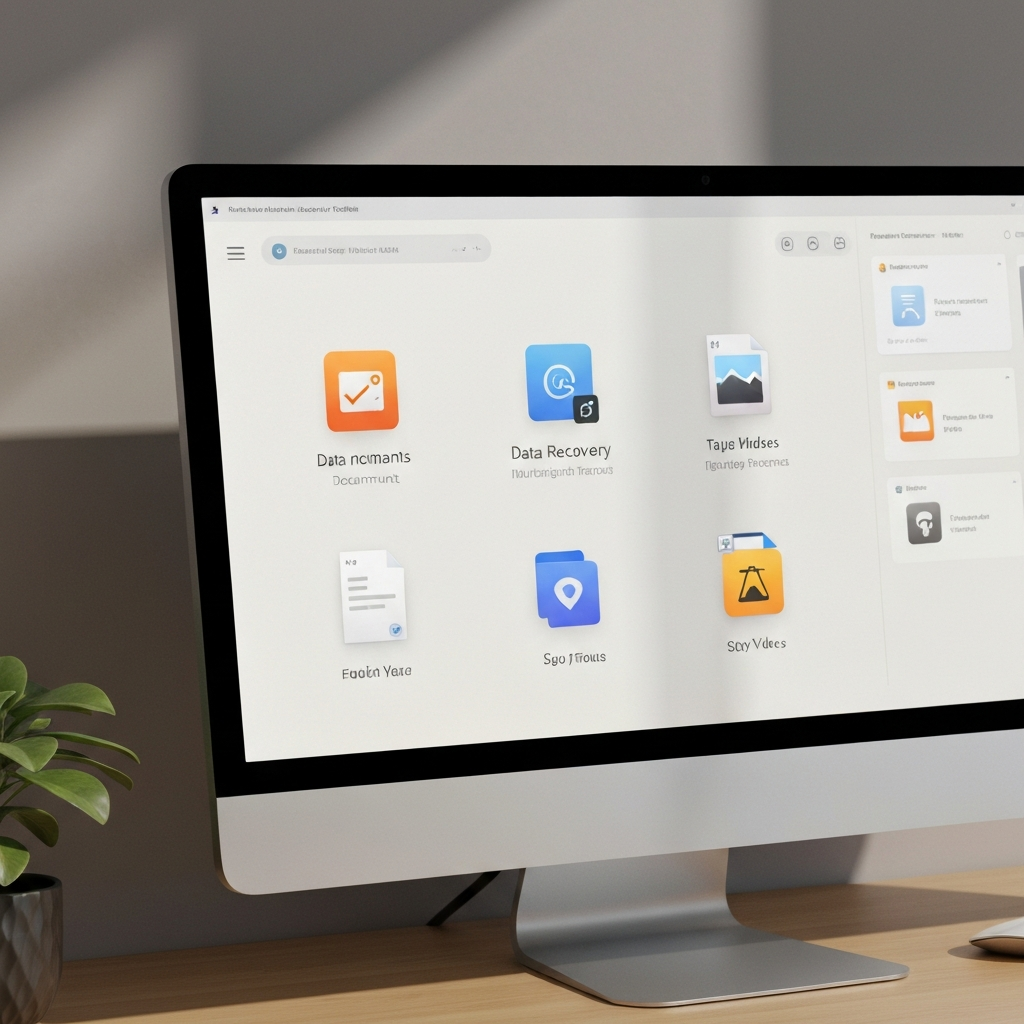
The market offers a variety of data recovery tools, each with its own strengths and weaknesses. Choosing the right tool depends on factors such as the type of data loss, the storage device, and your technical expertise. Here are some of the best data recovery tools available:
- Recuva: Recuva is a popular free data recovery tool known for its user-friendly interface and effectiveness in recovering various file types from different storage devices. It offers both a quick scan and a deep scan option, allowing you to tailor the recovery process to your specific needs. The free version provides basic recovery capabilities, while the professional version includes advanced features such as virtual hard drive support and automatic updates. Recuva is particularly well-suited for recovering accidentally deleted files from HDDs, USB drives, and memory cards.
- EaseUS Data Recovery Wizard: EaseUS Data Recovery Wizard is a comprehensive data recovery solution that supports a wide range of file types and storage devices, including HDDs, SSDs, USB drives, and RAID arrays. It offers advanced features such as partition recovery, formatted drive recovery, and RAW recovery, making it suitable for more complex data loss scenarios. The software provides a preview function that allows you to view recoverable files before initiating the recovery process, ensuring that you're only recovering the files you need. While EaseUS Data Recovery Wizard is a paid tool, it offers a free trial version that allows you to recover up to 2GB of data.
- Disk Drill: Disk Drill is a powerful data recovery tool that combines ease of use with advanced features. It supports a wide range of file systems and storage devices, including HDDs, SSDs, USB drives, and memory cards. Disk Drill offers several unique features, such as data protection tools that can prevent data loss in the first place and a byte-level scan option for recovering severely damaged files. The software also includes a partition recovery module that can restore lost or damaged partitions. Disk Drill is available for both Windows and macOS, making it a versatile option for users of different operating systems.
3. Best Practices for Data Recovery
Pro Tip: Always back up your important data regularly to prevent data loss. Use a combination of local backups and cloud backups for maximum protection.
Data recovery is not always guaranteed, and the success rate can vary depending on several factors. However, by following best practices and using the right tools, you can significantly increase your chances of retrieving your lost files. One of the most crucial steps is to stop using the affected storage device immediately after discovering data loss. Any further use of the device can overwrite the deleted data, making it unrecoverable.
When selecting a data recovery tool, consider factors such as the type of data loss, the storage device, and your technical expertise. If you're dealing with a simple case of accidental deletion, a free tool like Recuva might suffice. However, for more complex scenarios, such as formatted drives or damaged partitions, a professional-grade tool like EaseUS Data Recovery Wizard or Disk Drill might be necessary. Always read reviews and compare features before making a decision.
After recovering your data, it's essential to create a backup of the recovered files on a separate storage device. This will prevent further data loss in case of future issues. Consider implementing a regular backup strategy to protect your important data from accidental deletion, hardware failure, or other unforeseen events. A combination of local backups and cloud backups can provide comprehensive data protection.
🔗 Recommended Reading
Conclusion
Data recovery tools are invaluable resources for retrieving lost or deleted files. By understanding the principles of data recovery and choosing the right tool for the job, you can significantly increase your chances of recovering your important data. Remember to act quickly, minimize further use of the affected storage device, and back up your recovered files to prevent future data loss. Implementing a regular backup strategy is crucial for protecting your data and ensuring business continuity.
The field of data recovery is constantly evolving, with new tools and techniques emerging regularly. Staying informed about the latest advancements can help you better protect your data and respond effectively to data loss situations. Keep an eye on updates from data recovery software vendors and explore new backup solutions to enhance your data protection strategy.
❓ Frequently Asked Questions (FAQ)
Can I recover data from a formatted hard drive?
Yes, it's often possible to recover data from a formatted hard drive, but the success rate depends on the type of formatting performed and whether any new data has been written to the drive after the formatting. Quick formatting typically only erases the file system information, leaving the actual data intact. In this case, data recovery tools can scan the drive and reconstruct the file system to recover the files. However, a full format overwrites the entire drive with zeros, making data recovery much more difficult, if not impossible.
Are free data recovery tools as effective as paid ones?
Free data recovery tools can be effective for recovering accidentally deleted files or data lost due to minor issues. They often provide basic scanning and recovery capabilities that can handle simple data loss scenarios. However, paid data recovery tools typically offer more advanced features, such as deep scanning, partition recovery, and support for a wider range of file systems and storage devices. They also often include better customer support and regular updates, making them a more reliable choice for complex data loss situations.
How can I prevent data loss in the future?
The best way to prevent data loss is to implement a comprehensive backup strategy. This includes regularly backing up your important data to multiple locations, such as an external hard drive, a network-attached storage (NAS) device, and a cloud storage service. You should also consider using data protection tools, such as versioning and file history, to automatically create backups of your files as you work on them. Additionally, it's important to protect your computer from malware and other security threats that can lead to data loss.
Tags: #DataRecovery #FileRecovery #DeletedFiles #DataLoss #TechTips #Software #Backup