📖 5 min read
For small business owners, managing finances effectively is crucial for success. A key component of this is invoicing clients promptly and professionally. While accounting software can automate this process, an invoice template offers a cost-effective and customizable solution for businesses that are just starting out or have simpler billing needs. An invoice template provides a pre-designed structure that simplifies the process of creating invoices, saving time and ensuring consistency in your billing practices. This comprehensive guide will delve into the benefits of using invoice templates, the essential elements to include, and how to choose the right template for your specific business requirements, ultimately helping you get paid faster and maintain a professional image.
1. Understanding the Benefits of Invoice Templates
Invoice templates offer a multitude of advantages for small businesses, particularly those operating on a tight budget. Primarily, they save significant time and effort compared to creating invoices from scratch each time. A well-designed template already includes the necessary fields and layout, allowing you to simply fill in the relevant information such as customer details, product or service descriptions, and payment terms. This streamlined process reduces the risk of errors and ensures that all invoices are consistent in their appearance and content, projecting a professional image to your clients.
Beyond time savings, invoice templates also help maintain accurate record-keeping. By using a consistent format, you can easily track invoices, monitor payment statuses, and generate reports for financial analysis. This structured approach simplifies bookkeeping and makes it easier to identify overdue payments or discrepancies. Furthermore, many invoice templates can be customized to include your company logo and branding elements, reinforcing your brand identity with every transaction. This strengthens your professional image and builds trust with your clients.
The ease of accessibility is another key benefit. Invoice templates are readily available in various formats, such as Microsoft Word, Excel, Google Docs, and PDF, making them compatible with a wide range of devices and software. This flexibility allows you to create and send invoices from anywhere, whether you're in the office, at home, or on the go. In addition, many free invoice templates are available online, providing a cost-effective solution for businesses that are just starting out or have limited resources. These templates can be easily downloaded and customized to fit your specific needs, making them a valuable tool for managing your finances.
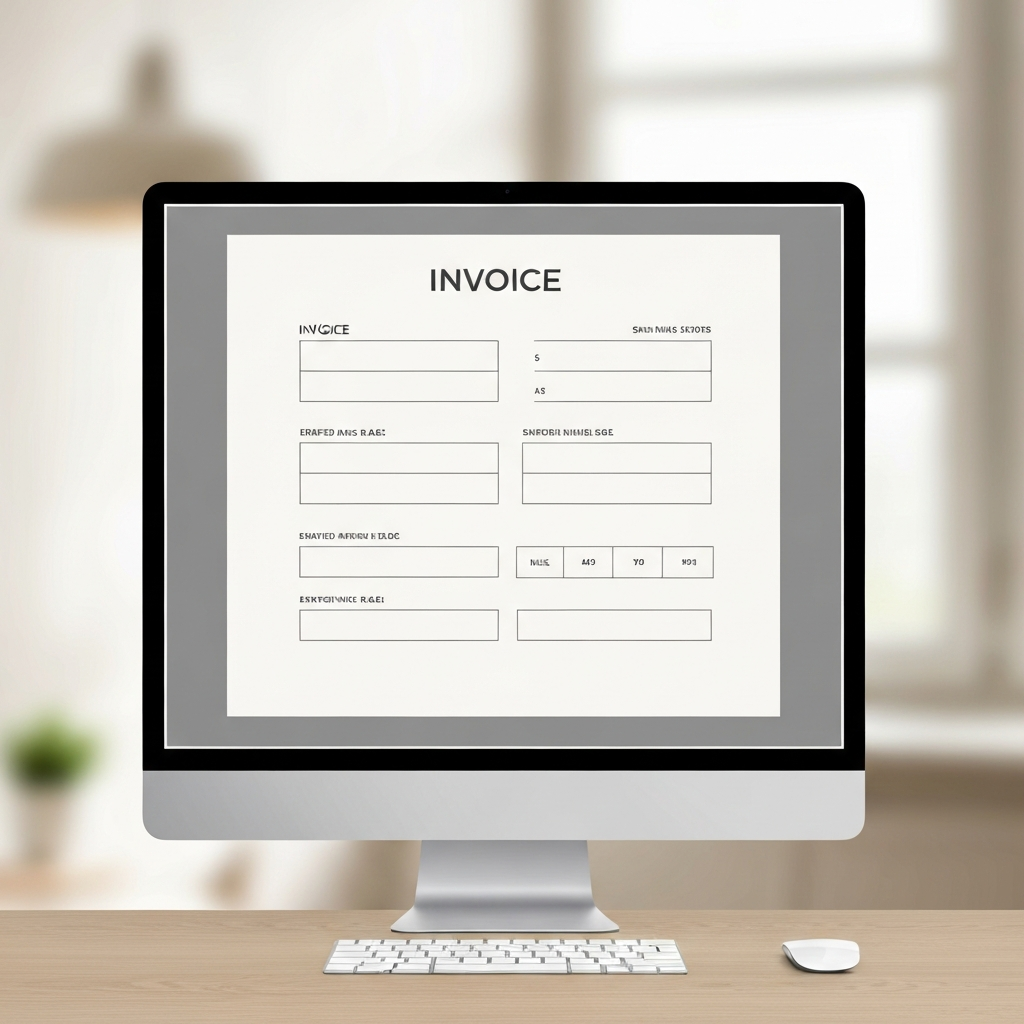
2. Essential Elements of a Professional Invoice Template
A well-structured invoice template should include specific elements to ensure clarity and professionalism. These elements not only facilitate accurate billing but also help to prevent payment delays and misunderstandings. Including all necessary information from the outset ensures a smooth transaction and fosters a positive relationship with your clients.
- Invoice Number: A unique identifier for each invoice is essential for tracking purposes and referencing specific transactions. Invoice numbers should be sequential or follow a consistent pattern to avoid confusion. This allows you to easily locate and manage invoices, making it easier to reconcile payments and track your revenue. Furthermore, a clear and consistent numbering system simplifies audits and financial reporting.
- Company Information: Your company name, address, phone number, and email address should be prominently displayed on the invoice. This provides clients with all the necessary contact information should they have any questions or concerns. Including your logo is also a good way to reinforce your brand identity and create a professional impression. Accurate and complete company information builds trust and credibility with your clients.
- Client Information: Include the client's name, address, and contact information. Ensuring accurate client details is crucial for sending the invoice to the correct recipient and avoiding any delays in payment. If you are billing a company, be sure to include the appropriate department or contact person. Accurate client information is a fundamental aspect of professional invoicing.
3. Choosing the Right Invoice Template for Your Business
Pro Tip: Select an invoice template that aligns with your brand's aesthetic. Consistency in design reinforces your brand identity and projects a professional image to your clients.
Selecting the appropriate invoice template requires careful consideration of your business needs and preferences. There are numerous templates available, each with its own set of features and functionalities. Evaluating these options based on your specific requirements is crucial to ensure that the template effectively supports your billing process. Consider the volume of invoices you generate, the complexity of your billing structure, and the level of customization you require.
For businesses with simple billing needs, a basic invoice template in Microsoft Word or Excel may suffice. These templates typically include essential fields such as invoice number, company information, client information, product/service descriptions, and payment terms. They are easy to use and customize, making them a suitable option for businesses that are just starting out or have limited technical expertise. However, for businesses with more complex billing requirements, such as recurring invoices or multiple tax rates, a more advanced template or accounting software may be necessary.
Accounting software often includes integrated invoice templates that offer advanced features such as automated calculations, payment reminders, and online payment processing. These features can significantly streamline your billing process and reduce the risk of errors. Consider whether you need features like automatic late payment fee calculation, multi-currency support, or integration with your accounting software. The right invoice template is one that will ultimately make it easier for your customers to pay you, while keeping your bookkeeping streamlined. The choice should reflect your current and anticipated business needs.
🔗 Recommended Reading
Conclusion
Invoice templates are indispensable tools for small businesses seeking to streamline their billing processes and maintain a professional image. By providing a structured format for creating invoices, templates save time, reduce errors, and ensure consistency in your billing practices. Selecting the right template and incorporating essential elements such as a unique invoice number, company information, and payment terms can significantly improve your invoicing efficiency and facilitate timely payments.
As technology evolves, invoice templates are becoming increasingly sophisticated, with features such as automated calculations, online payment processing, and integration with accounting software. Embracing these advancements can further enhance your invoicing capabilities and contribute to the overall financial health of your business. Whether you choose a basic template or a more advanced solution, using an invoice template is a smart investment that can pay dividends in terms of time savings, accuracy, and professionalism.
❓ Frequently Asked Questions (FAQ)
What information should I include in the "Notes" section of my invoice template?
The "Notes" section provides an opportunity to communicate important information to your client. This could include special instructions, thank you messages, or clarification on specific charges. For example, if you offered a discount, you might explain the reason for the discount in the notes section. Additionally, you can use this space to reiterate payment terms or provide contact information for inquiries, ensuring your client has all the details they need for a smooth transaction. A thoughtful note can also personalize the invoice and foster a positive client relationship.
How can I customize an invoice template to reflect my brand?
Customizing your invoice template to reflect your brand is essential for creating a professional and cohesive image. Start by adding your company logo to the template, ensuring it is prominently displayed and visually appealing. Next, incorporate your brand colors into the design, using them for headings, borders, and other visual elements. Choose a font that aligns with your brand's personality and maintain consistency throughout the invoice. By incorporating these branding elements, you create a memorable and professional experience for your clients, reinforcing your brand identity with every interaction.
What are the best practices for sending invoices to ensure timely payments?
To ensure timely payments, send invoices promptly after delivering your product or service. Use a professional and polite tone in your email or message, clearly stating the payment due date and accepted payment methods. Consider offering incentives for early payments, such as a small discount, to encourage clients to pay promptly. Regularly follow up on overdue invoices with friendly reminders, and consider using automated invoicing software to send payment reminders automatically. Finally, make sure that you have a clearly stated payment policy that is accessible to all customers.
Tags: #InvoiceTemplate #SmallBusiness #Invoicing #BusinessFinance #Accounting #Billing #Entrepreneurship