📖 5 min read
In an increasingly interconnected world, the concept of a home server has evolved from a niche hobby to a practical solution for data storage, media streaming, and personal cloud services. While the benefits of a home server are undeniable, ranging from enhanced privacy to customized functionality, these advantages come with the crucial responsibility of ensuring its security. A compromised home server can expose sensitive personal data, become a launchpad for malicious attacks on other devices in your network, or even be integrated into a botnet. Therefore, understanding and implementing robust security measures is paramount for anyone operating a home server.
1. Physical Security and Access Control
Physical security forms the first line of defense for your home server. It's about safeguarding the hardware itself from unauthorized access or theft. This means choosing a secure location for your server, ideally a locked room or cabinet where it cannot be easily accessed by visitors or intruders. Consider the environmental factors as well; protect the server from extreme temperatures, humidity, and dust, which can damage the hardware and lead to system failures, creating vulnerabilities that could be exploited.
Access control extends beyond physical access to the server hardware. It involves restricting who can log in and manage the system. Always change the default username and password, as these are well-known and easily exploited by attackers. Implement strong, unique passwords for all user accounts, using a combination of uppercase and lowercase letters, numbers, and symbols. Password managers can be invaluable tools for generating and storing complex passwords securely, reducing the risk of password reuse across different services.
Furthermore, enable two-factor authentication (2FA) whenever possible. 2FA adds an extra layer of security by requiring a second verification method, such as a code sent to your phone, in addition to your password. This makes it significantly harder for unauthorized individuals to gain access to your server, even if they manage to obtain your password. For even greater security, consider biometric authentication methods, where available, to lock down administrative privileges on the server.
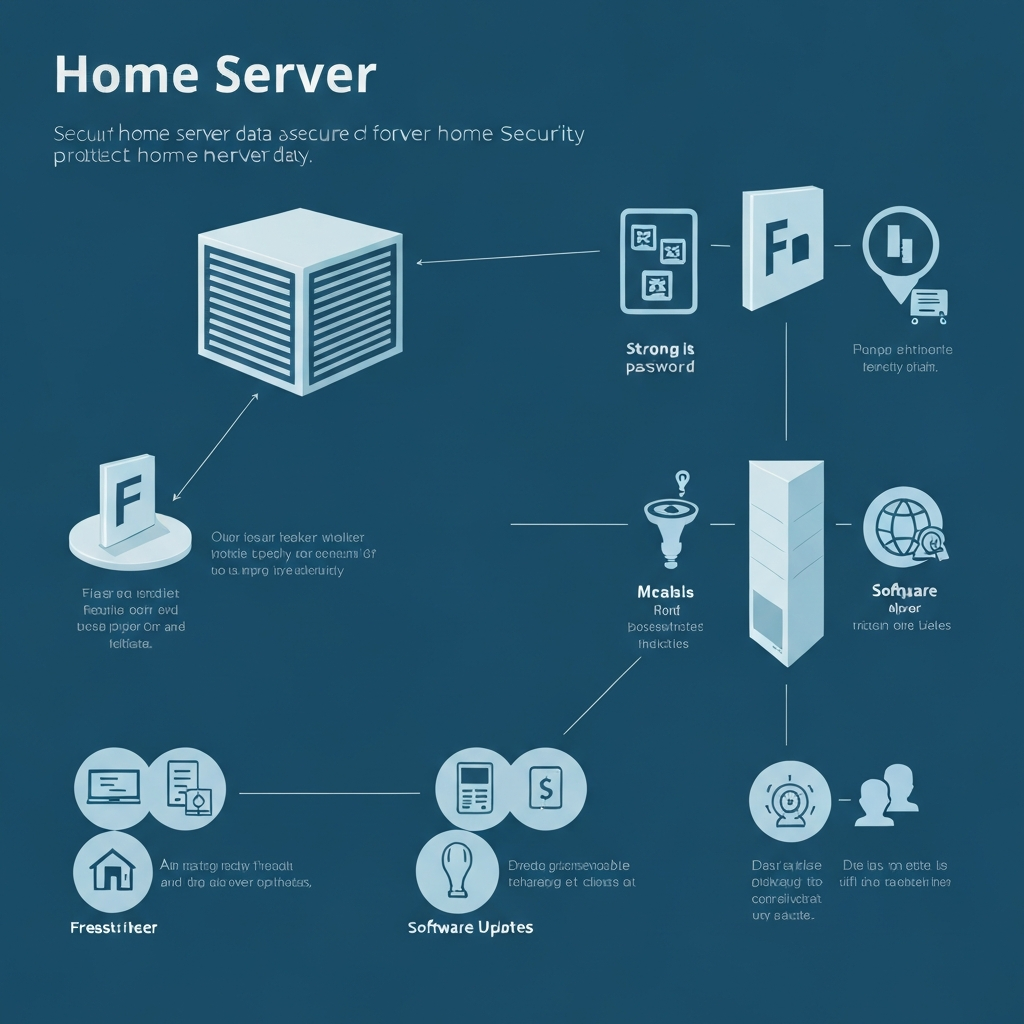
2. Network Security and Firewalls
Network security is essential for protecting your home server from external threats. A firewall acts as a barrier between your server and the internet, controlling network traffic based on predefined rules. Your home router typically has a built-in firewall, but it's crucial to configure it properly to block unauthorized incoming connections. Enable the firewall and review its settings to ensure that only necessary ports are open, minimizing the attack surface.
- Port Forwarding: Only forward ports that are absolutely necessary for the services you want to access remotely. For example, if you want to access your Plex media server from outside your home network, you would need to forward port 32400. However, ensure that the service running on that port is securely configured, with strong authentication and regular security updates. Avoid forwarding common ports like 21 (FTP) or 23 (Telnet) unless absolutely necessary, as these are frequently targeted by attackers.
- VPN (Virtual Private Network): Consider setting up a VPN server on your home server. A VPN creates an encrypted tunnel between your device and your server, protecting your data from eavesdropping and man-in-the-middle attacks, especially when using public Wi-Fi networks. Services like OpenVPN or WireGuard can be easily installed on most home server operating systems. When you need to access your home network remotely, connect to the VPN first, which adds a significant layer of security.
- Intrusion Detection/Prevention Systems (IDS/IPS): For advanced security, consider implementing an IDS/IPS on your network. These systems monitor network traffic for malicious activity and can automatically block or alert you to potential threats. Software like Suricata or Snort can be installed on your home server or router to provide this functionality. An IDS will alert you to suspicious activity, while an IPS can actively block malicious traffic, providing a more proactive defense against attacks.
3. Software Updates and Patch Management
Never underestimate the power of timely software updates. They are often the first line of defense against newly discovered vulnerabilities.
Keeping your server's software up-to-date is one of the most critical security practices. Software vulnerabilities are frequently discovered and exploited by attackers. Software vendors release updates and patches to address these vulnerabilities, so it's essential to apply these updates as soon as they become available. Enable automatic updates whenever possible to ensure that your server is always running the latest security patches. This includes the operating system, web server software, database software, and any other applications installed on your server.
Develop a patch management strategy to keep track of updates and ensure they are applied in a timely manner. Subscribe to security mailing lists and newsletters to stay informed about newly discovered vulnerabilities and available patches for the software you are using. Before applying updates, consider testing them in a non-production environment to ensure that they don't introduce any compatibility issues or break existing functionality. This is especially important for critical systems or applications. Create regular backups of your server's data and configuration so that you can quickly restore your system if an update causes problems.
Consider using a vulnerability scanner to identify potential security weaknesses in your system. These tools can scan your server for known vulnerabilities and provide recommendations for remediation. OpenVAS is a popular open-source vulnerability scanner that can be used to assess the security of your home server. Regularly scanning your server for vulnerabilities can help you proactively identify and address security weaknesses before they can be exploited by attackers. Implementing a layered approach to security, combining software updates, firewalls, and intrusion detection systems, provides the most comprehensive protection for your home server.
🔗 Recommended Reading
- Innovative Materials and Technologies for Building Integrated Photovoltaics Enhancing Energy Efficiency and Aesthetics in Modern Architecture
- Reducing Microplastic Pollution in Laundry and Textiles - A Guide to Sustainable Fabric Choices and Washing Machine Filters for a Minimal Waste Lifestyle
- Renewable Energy Policy Impact on Local Economies - A Study of Job Creation and Community Development in Regions with High Solar Adoption Rates
- Implementing a Circular Economy in Your Community - A Guide to Collaborative Waste Reduction and Sustainable Neighborhood Initiatives
- Embracing the 80/20 Rule in Minimalist Living- Strategies for Optimizing Your Home and Lifestyle for Maximum Sustainability and Zero Waste